Welcome to your new Weel card. Find everything you need to know below to get started with making payments.


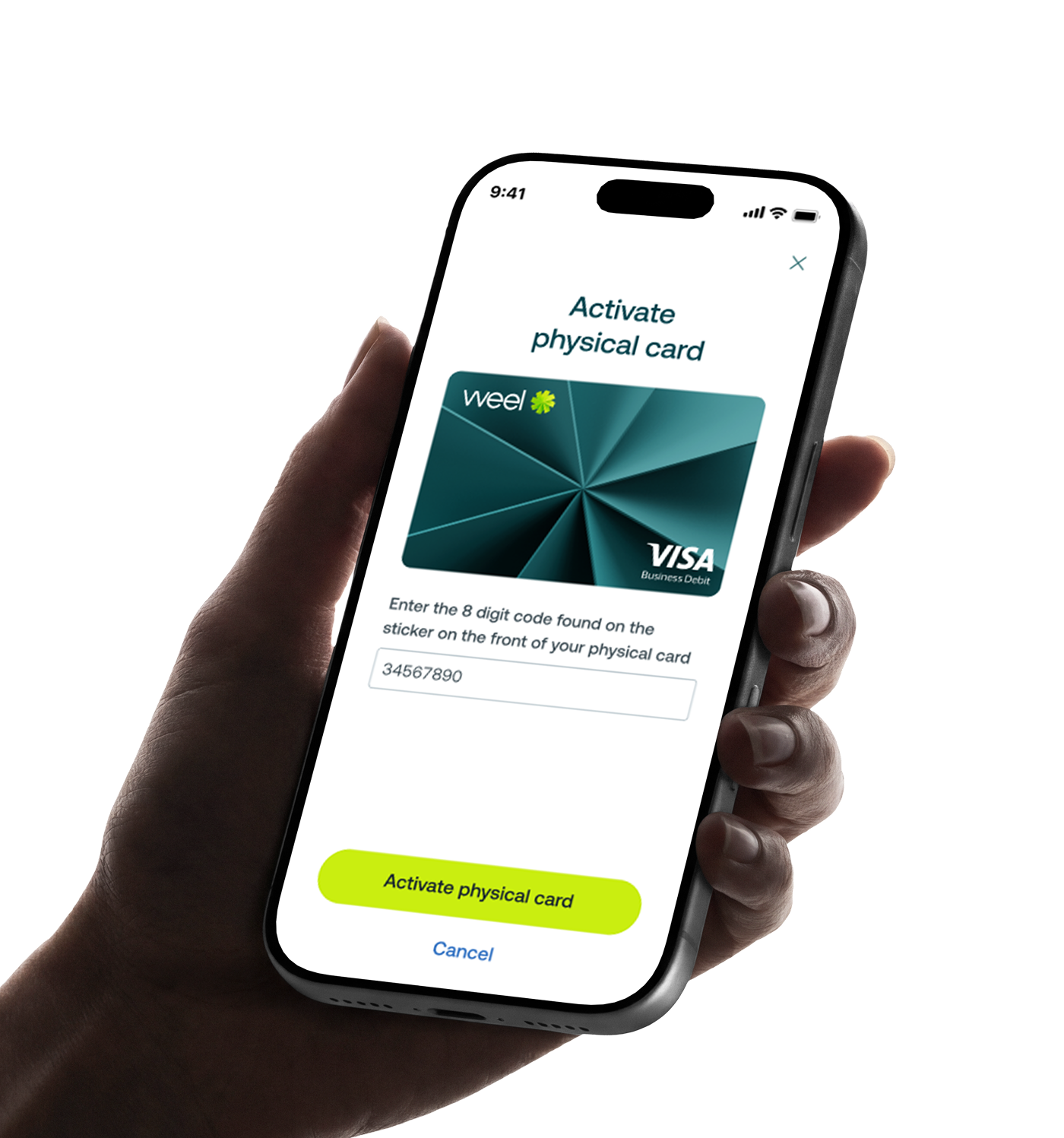
Here's how to activate it.
If you haven't already done so, you can download the Weel app from the Apple or Google App store by searching for 'Weel', and selecting download
Alternatively, go to the Manage your Card menu by clicking the cog icon on the top right hand corner
Your 8 digit code can be found on the sticker on the front of your physical card
If you need to add or change your pin, select the cog in the right hand corner and tap 'Manage card PIN'
Remember to always keep your card, and card details, safe.


©2017 - 2026 Weel Holdings Pty Ltd
All rights reserved