






"With all our team members now set up with a Weel virtual card, we can easily select who can spend against which budget, and how much they can spend."

With Weel, you can program your expense policy directly into your team's virtual cards. You can customise spending rules per budget and lock cards to specific merchants, spending categories and amounts.
Yes, using "manager-only " custom fields you can re-create your current approval flow by allowing managers to review and then mark a transaction as approved before handing it off to another team for additional approval.
No, Weel allows for a flexible level of control. When creating a budget you can allocate a pre-approved limit to team members for them to spend from. However, if you'd like to approve every expense this can be done by setting a $0.00 card limit for each card holder.
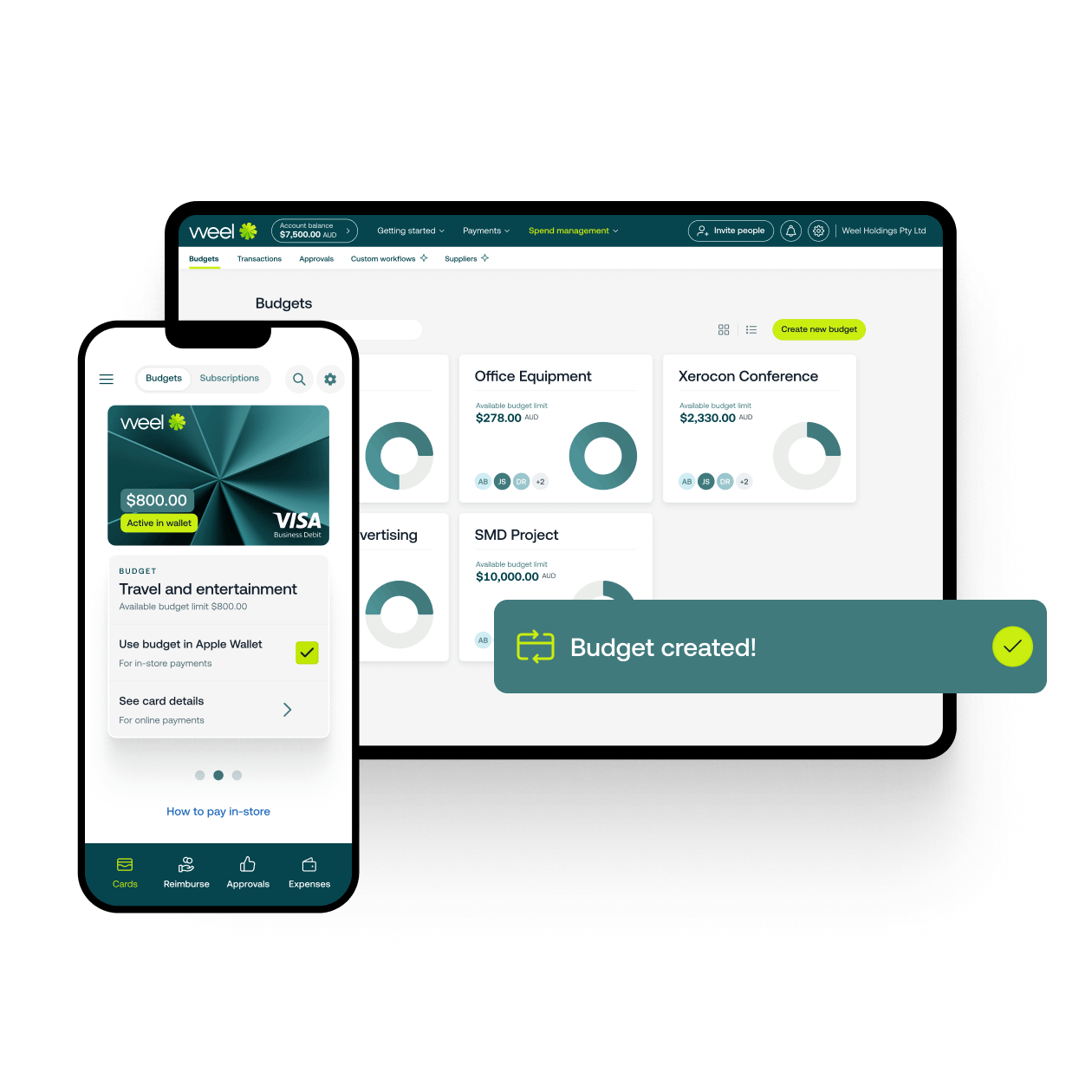
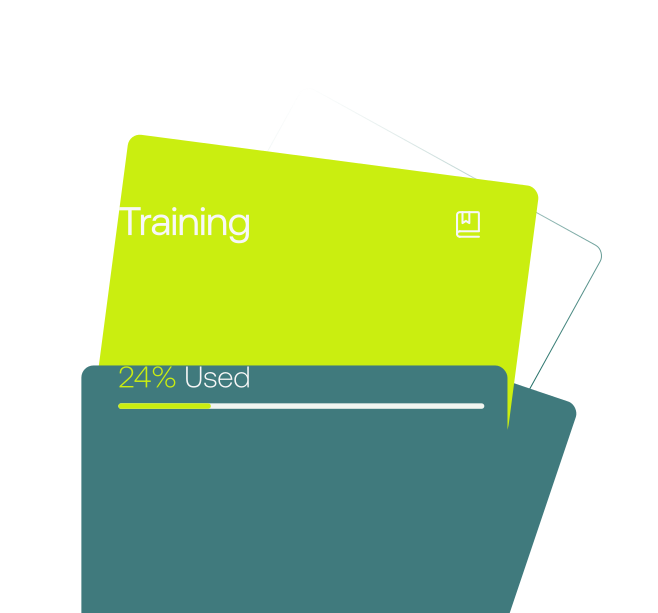
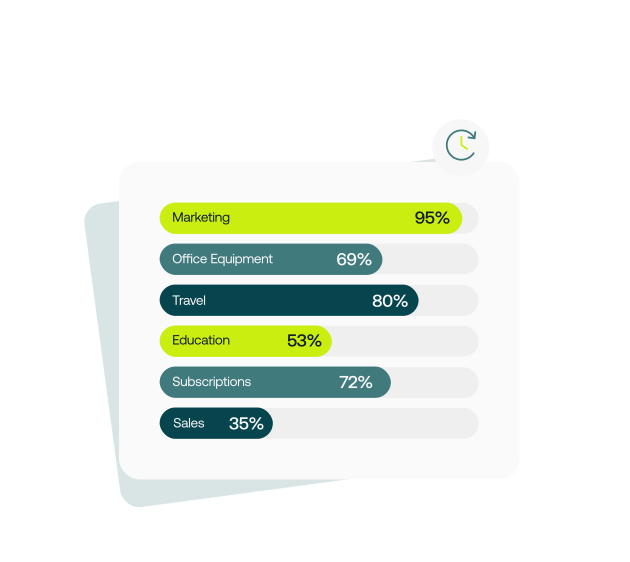
With Weel, you can create weekly, monthly or one-off budgets for teams, departments, projects or however you think about expenses in your business. Assigned your team members can then access the budget limit via their Weel virtual cards, providing you with a layer of budget control between your overall account balance and card holders. Once spending takes place you can track and analyse budget progress from a simple overview.
With Weel you can program your expense control policy into each card by creating weekly, monthly or one-time-only expense card limits, setting maximum transaction size limits and locking cards to approved merchants.
Weel allows you to pre-approve a specific limit to be spent or approve requests for funds from your your team. Set up a budget to give your your team access to a pre-approved limit or approve your your team's requests for funds from the web and mobile app. You will be notified via email and push notifications to your expense manager app when requests need to be approved.


